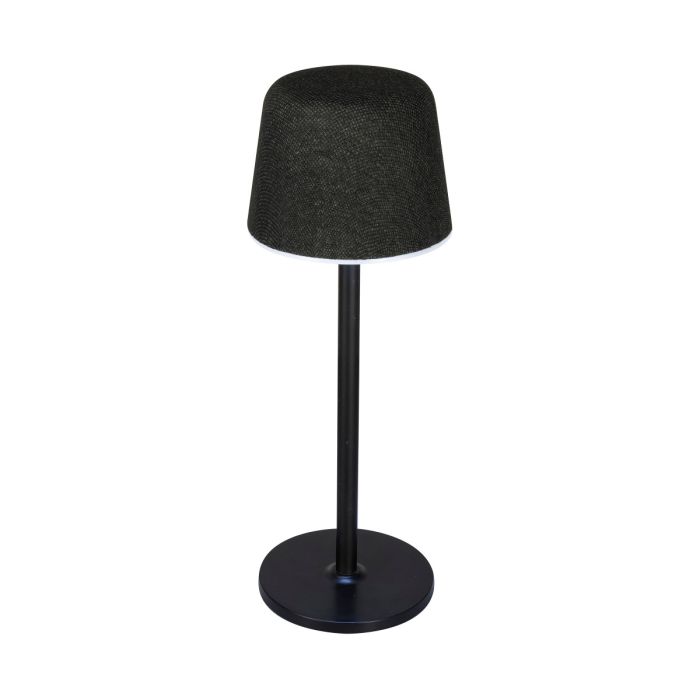
How do I turn the lamp or speaker on?
Use the Lamp/Bluetooth Switch:
- Left: Lamp Off
- Middle: Lamp Mode
- Right: Bluetooth Speaker Mode
How do I pair the speaker with my Bluetooth device?
- Slide the Lamp/Bluetooth Switch to Bluetooth mode.
- Open the Bluetooth settings on your phone, tablet, or other device.
- Select ISBL26 from the list of available devices.
- When pairing is successful, you'll hear "Bluetooth connected."
How do I play music?
After pairing your device:
- Start playback from your connected phone or tablet.
- Use your device's controls to play, pause, skip tracks, and adjust the volume.
Can I use the lamp without the Bluetooth speaker?
Yes. Slide the switch to Lamp Mode to use the light independently of the speaker.
How do I change the lamp color?
While in Lamp Mode, tap the Touch Area to cycle through:
- Cool White
- Warm White
- Natural White
- Off
How do I adjust the lamp brightness?
Touch and hold the Touch Area until the brightness reaches your desired level.
Can I answer phone calls through the speaker?
Yes. When your phone is connected via Bluetooth, incoming calls can be answered using your connected mobile device. The caller's audio plays through the speaker, and the built-in microphone allows you to speak hands-free.
How do I charge the speaker?
Connect the included USB-C charging cable to the speaker and plug the other end into a powered USB port or a compatible USB power adapter (not included).
How long does it take to fully charge?
A full charge takes approximately 4 hours.
What happens when the battery gets low?
The speaker will announce "Low Battery" before automatically powering off.
Does the speaker have a rechargeable battery?
Yes. The ISBL26 features a built-in rechargeable battery that powers both the Bluetooth speaker and the lamp.
What comes in the box?
The package includes:
- ISBL26 Lamp+ Wireless Bluetooth Speaker
- USB-A to USB-C charging cable
- User's Guide