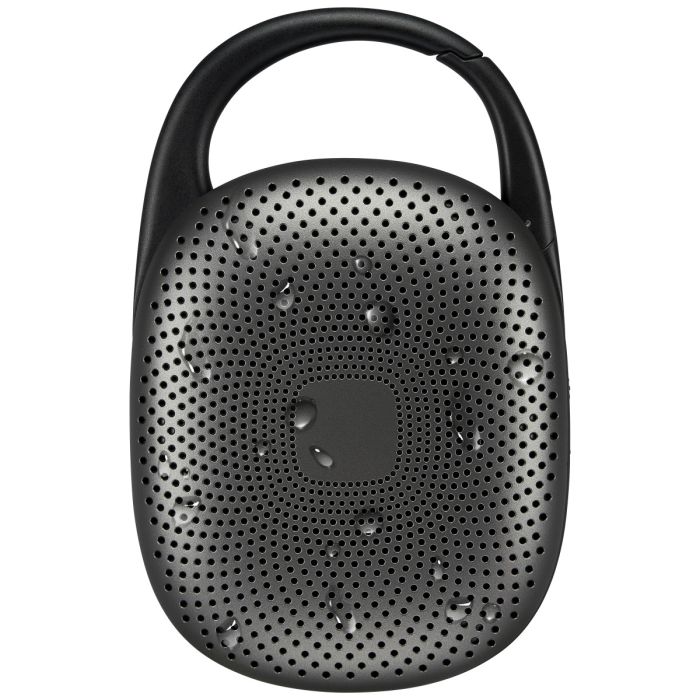
What comes in the box?
- ISBW156 Bluetooth Speaker
- USB-C Power Cable
- User’s Guide
How do I charge the speaker?
Connect the included USB-C cable to the DC IN port on the speaker and plug the other end into a powered USB port or adapter.
How long does it take to fully charge?
About 3.5 - 4 hours (charge while powered off for best results).
How can I tell when it’s done charging?
The Charging Indicator Light will be on during charging. When fully charged, all the Battery Status LEDs will light up.
How long does the battery last?
Up to 7 hours of playtime at 50% volume.
What do the battery LEDs mean?
While charging the LED with be red. When finished charging the LED will turn off.
How do I pair my device with the speaker?
- Power on the speaker. It automatically enters Bluetooth mode.
- On your phone or device, open Bluetooth settings and select ISBW156
- A voice prompt will announce “Bluetooth connected.”
Will the speaker automatically reconnect?
Yes, it automatically reconnects to the last paired device when powered on.
What if my device doesn’t connect?
Press and hold the Play button to re-enter Bluetooth pairing mode, then try connecting again.
What is Party Plus Mode?
It allows you to wirelessly pair two ISBW156 speakers to play the same audio simultaneously.
How do I use Party Plus Mode?
- Power on both speakers.
- On one speaker, press the Play button twice to enter Party Plus mode.
- The speakers will chime and connect together.
- Then pair your device to ISBW156 via Bluetooth.
How do I exit Party Plus Mode?
Press the Play button twice on either speaker.
Will Party Plus reconnect automatically next time?
Yes, the speakers will reconnect after being powered on again.
How do I change the light modes?
Quickly press the Power On/Off button to cycle through 5 modes.
Is the ISBW156 waterproof?
It’s IPX6 waterproof, This offers protection from splashes, streams of water, and wet environments, but cannot withstand submersion in water. IPX6 protection does not extend to protection from dust or dirt.