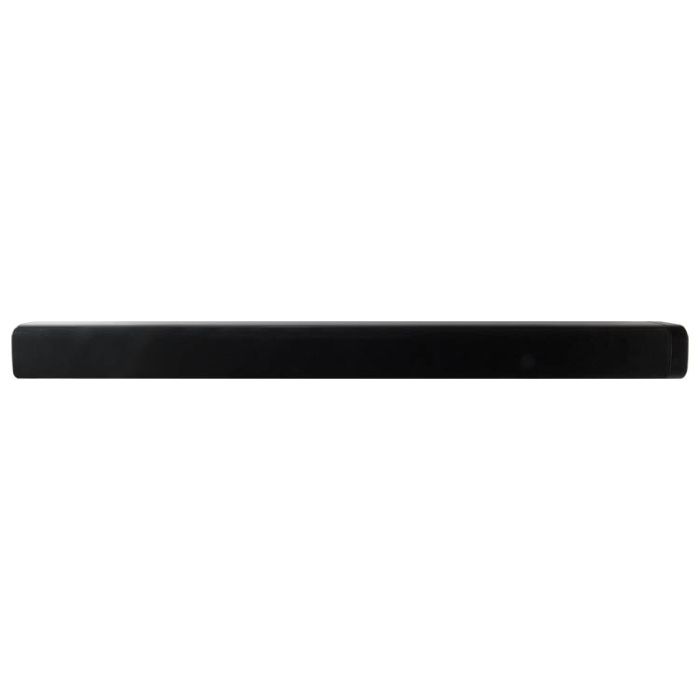
Bring your music, movies and shows to life with a sound bar that makes things easy whether you connect via Bluetooth, aux in, or RCA input.
Bluetooth wireless
29" length
Supports profile A2DP (Advanced Audio Distribution Profile)
Built-in stereo speakers
Voice prompts announce speaker functions
Aux in (3.5mm audio input)
Optical digital audio input
RCA stereo audio inputs
LED source/pairing indicator
Digital volume control
Wireless range: 60 feet
Wall mountable
Cloth speaker grill
Remote
DC power input: requires an AC/DC power adapter (included)
Dims: 29.72 x 2.83 x 2.44"
INCLUDES
Remote control: requires a CR2025 battery (pre-installed)
RCA stereo audio cable
Mounting hardware
AC/DC power adapter
90-Day Limited Warranty
User's guide
How Do I connect the Bar Speaker to my TV?
RCA output from your TV or Cable/Satellite box to the Aux (RCA) input of the Bar Speaker
Note: Make sure to use an Audio output from your TV or Cable/Satellite box. Many TV’s have only Audio inputs; please with your TV’s user guide or manufacture.
How Do I pair my Bluetooth device
Press the power button to power ON the Bar Speaker.
Press the Pairing button on the side of the speaker, the blue light will blink.
Open your phone and find ITB037 and select it.
Once paired the Blue light will be steady.
Can I turn off/on voice prompts for the unit?
Yes, you can do so if you have Version ID 2830. The volume of the voice prompts cannot be changed but you are to turn off the Voice Prompts by pressing and holding Music button for 5 seconds.