How do I charge the speaker?
Connect the included USB charging cable to a power source. Charging takes about 4 hours. The red LED light will stay on while charging and turn off once fully charged.
How long does the battery last?
Approximately 5 hours at 50% volume.
How do I pair my device via Bluetooth?
When powered on, the speaker enters Bluetooth mode automatically. On your device, search for “ISB310” in Bluetooth settings and select it. A voice prompt will confirm “Bluetooth connected.”
Will the speaker reconnect to my device automatically?
Yes, it will reconnect to the last paired device when powered on.
What if my device won’t connect?
Press and hold the Play/Pause/Pair button for 3 seconds to enter pairing mode again.
What audio sources does the speaker support?
Bluetooth, Aux-in (3.5mm cable), USB drive (MP3 format), and FM radio.
How do I use Aux-in mode?
Connect a 3.5mm audio cable from your device to the speaker’s Aux-in port. Press the Source/LEDs button to switch to Aux mode.
How do I play music from a USB drive?
Insert a USB drive into the USB port. The speaker will automatically switch to USB mode.
How do I use FM radio?
Press Source/LEDs until FM mode is active. Hold Play/Pause/Pair to auto-search and save stations. Use Next/Previous to cycle through saved stations.
Can I use a microphone with this speaker?
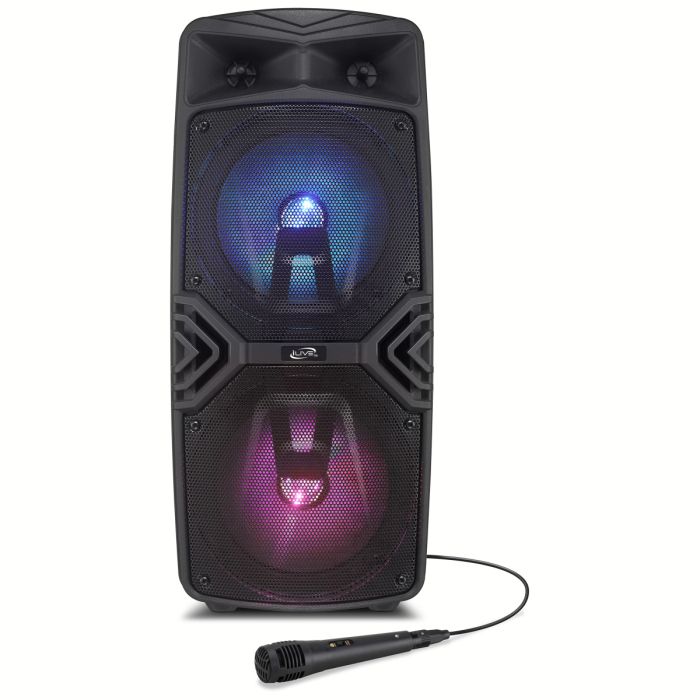
Yes. Plug the microphone into the Mic input. Control mic volume with the main volume wheel.
What is Party Plus mode?
Party Plus allows you to pair two ISB310 speakers for stereo sound. Power on both, set them to Bluetooth mode, then press and hold the Next/TWS button on one unit until you hear a chime. They will pair automatically.
Can I turn off the LED lights?
Yes, press and hold the Source/LEDs button to turn them on or off.
How do I turn voice prompts on/off?
Press and hold the Previous button for 10 seconds.
The speaker won’t power on. What should I check?
Make sure the battery is charged. If using AC power, ensure the adapter is properly connected.
The FM radio is not clear. What should I do?
Try relocating the speaker to improve reception, or press auto-search again to rescan stations.